
Settings
Settings is a single screen, split into groups.
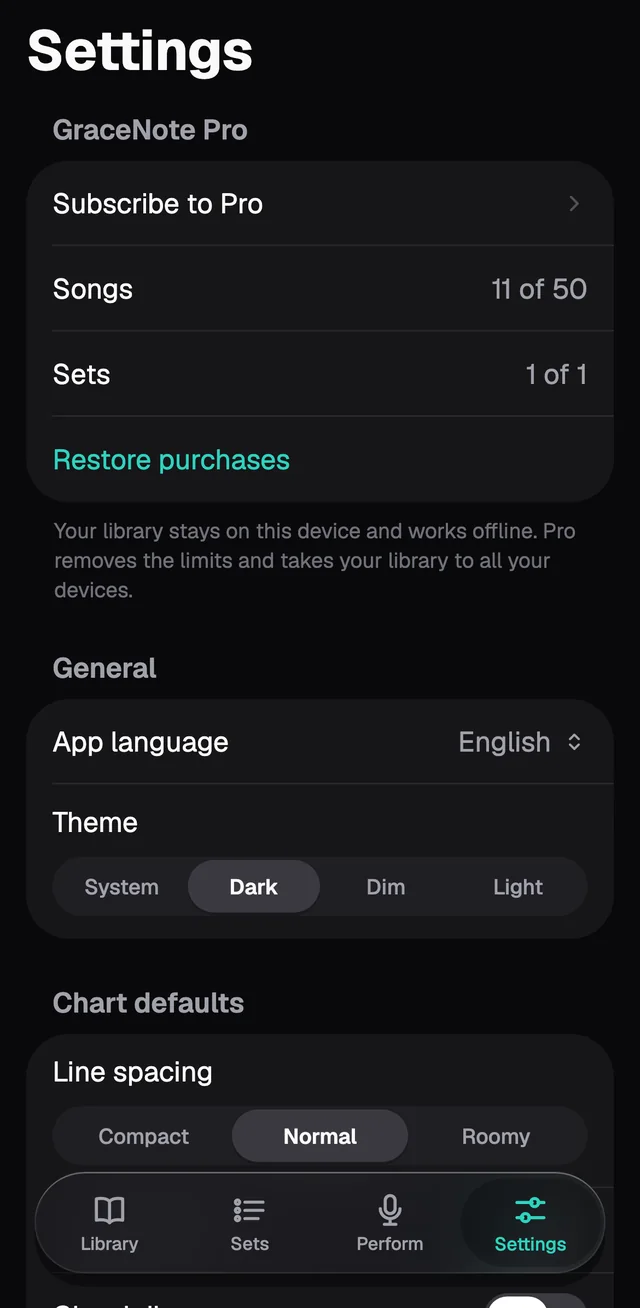
GraceNote Pro
Shows how much of the free app you're using (for example, 11 of 50 songs), the Subscribe to Pro button and Restore purchases, for when you've already subscribed with the same Apple Account.
General
- App language: System (the device's language), English or Português.
- Theme: System, Dark, Dim or Light. The Stage follows the theme.
Chart defaults
Line spacing, Section labels and Chord diagrams apply to the songs you add from now on. To change the songs already in your Library, use Make this the default for all songs in the Stage's Display & Style.
On an iPad there's also Columns on iPad, which picks one or two columns for the Library.
Stage
- Keep screen awake is on from the start: the screen doesn't go dark while the Stage is open.
- Set quick-jump bar shows the set's songs at the top of the Stage. Tap one to jump to it.
Library
- BPM on song cards shows each song's tempo under its key.
- Filter chips turns on the row of keys that filters the Library.
Data
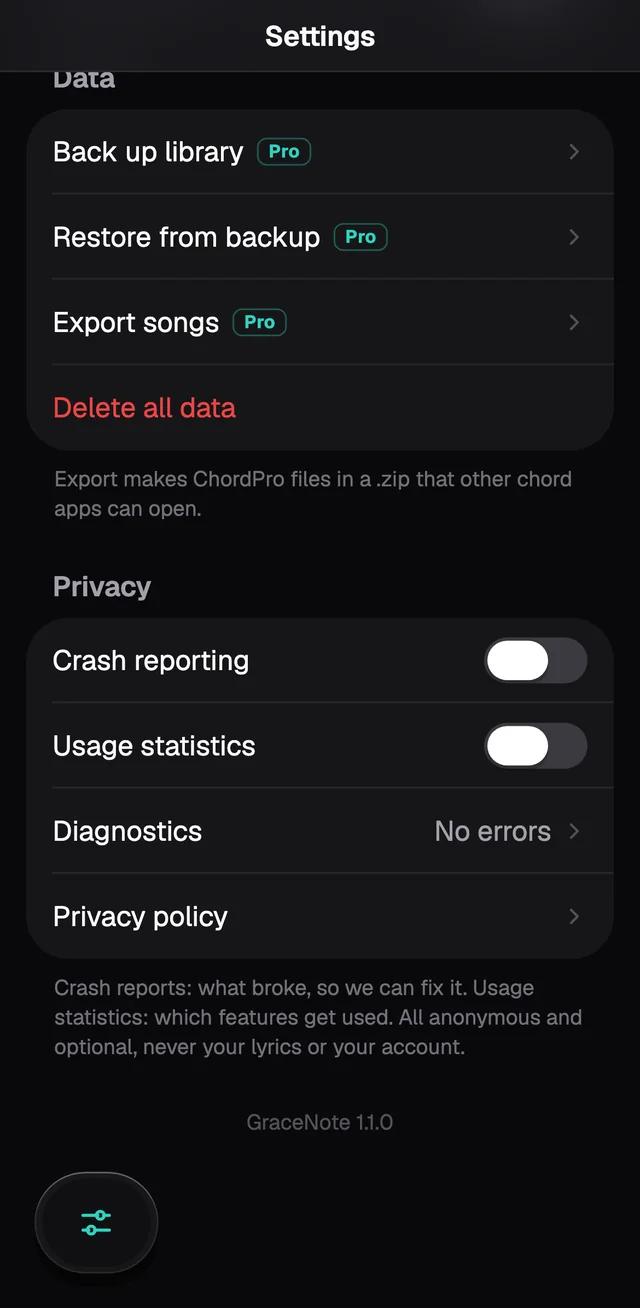
Back up library, Restore from backup and Export songs are part of Pro and carry the Pro tag. Delete all data deletes every song on the device, after asking you to confirm.
Privacy
- Crash reporting and Usage statistics are off to start with. If you turn them on, GraceNote sends anonymous reports of what broke and which features get used. It never sends your lyrics or your account.
- Diagnostics shows the errors kept on the device, with options to share or clear them.
- Privacy policy opens GraceNote's policy.