Sets
A set is the list of songs for a service, a rehearsal or a gig, in the order you'll play them.
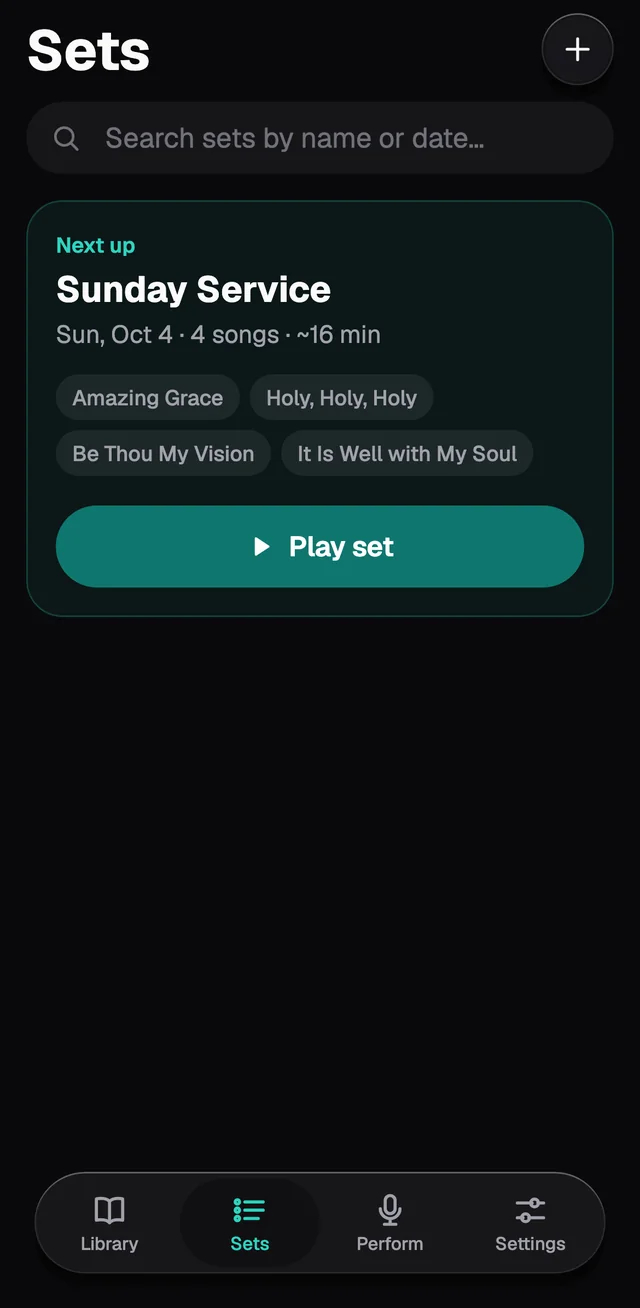
At the top is Next up: the set with the nearest date, from today on. Play set starts with the first song. The other sets are grouped by month, and the ones with no date come last.
Making a set
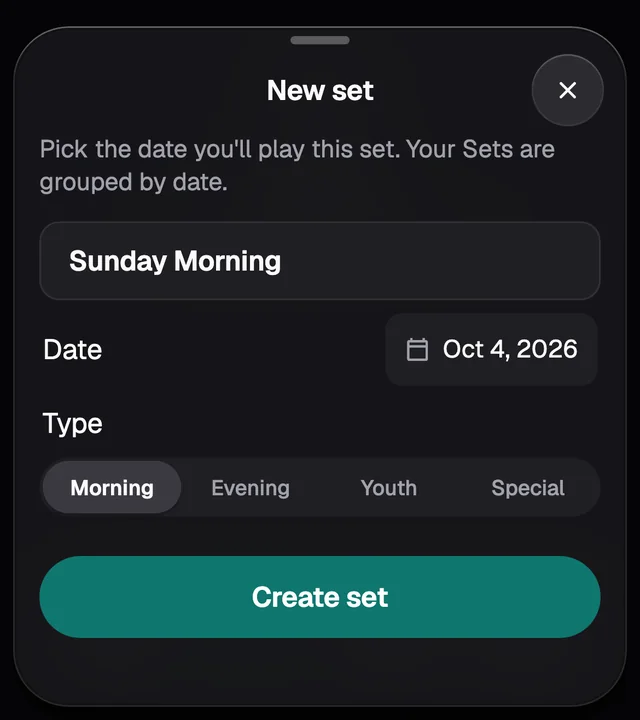
Tap +. Give it a name, pick the date (GraceNote suggests next Sunday) and, if you like, the type. Then tap Create set.
Building the list
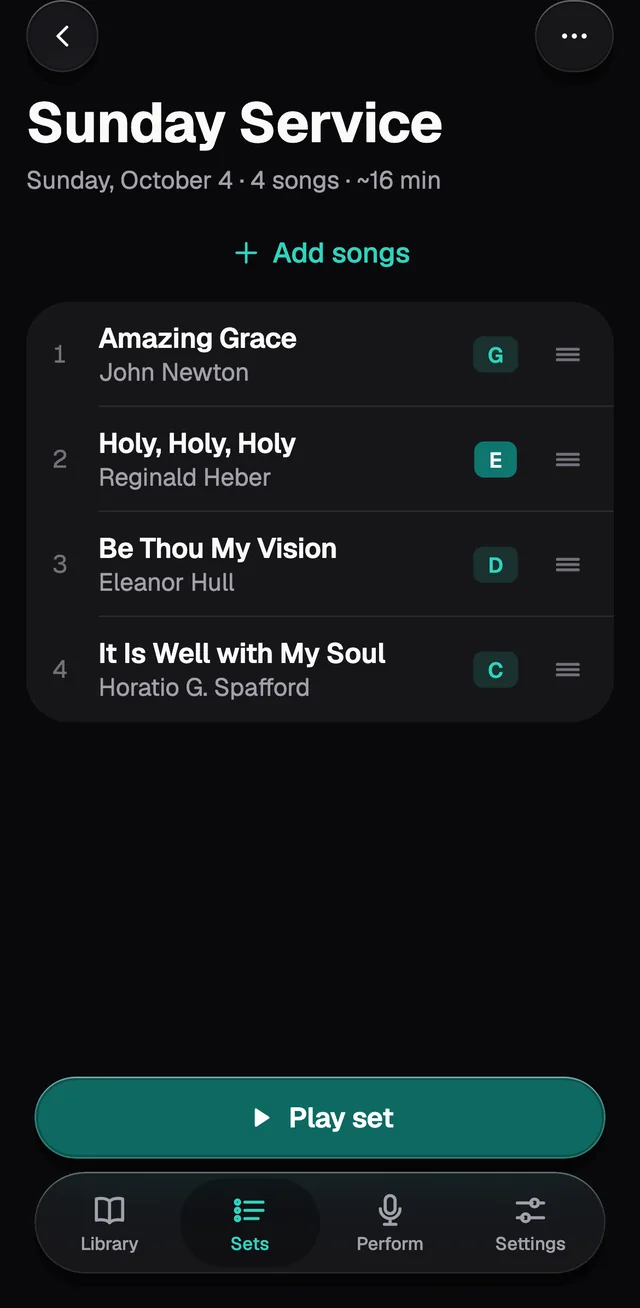
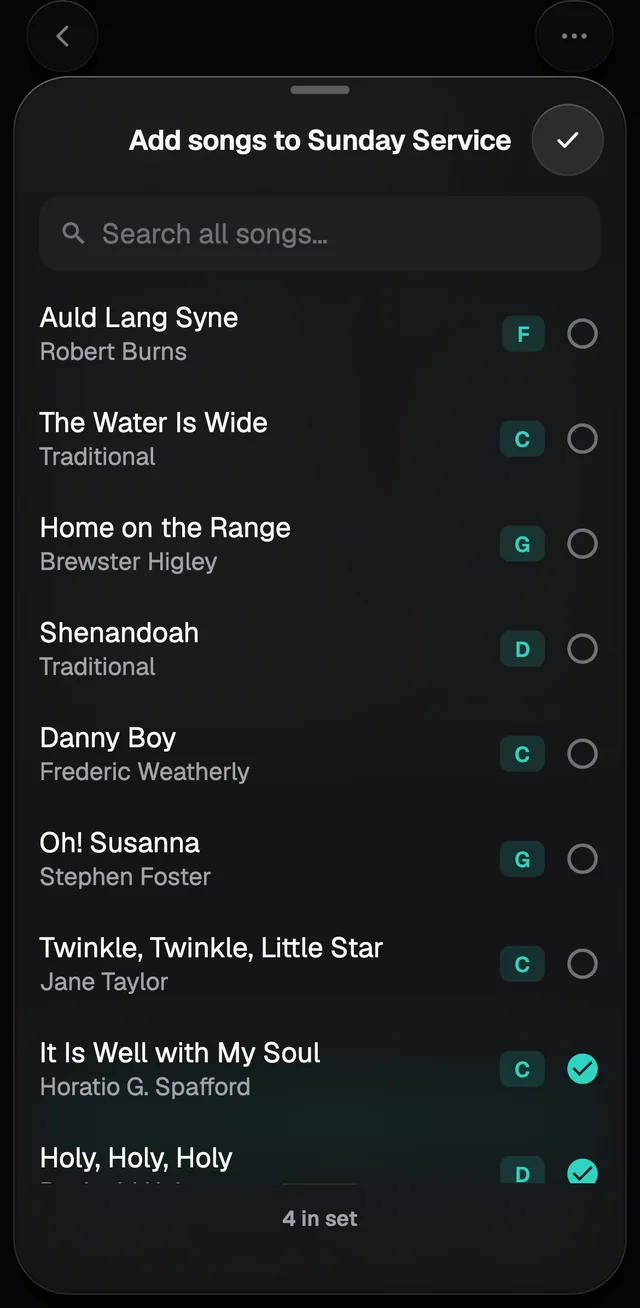
- Add songs opens your library with a circle next to each song. Ticking puts the song in the set, unticking takes it out.
- To change the order, drag by the three lines on the right.
- To take a song out, swipe its row to the left. It stays in the Library.
- Tap the set's name to rename it. ⋯ has Rename set, Change date & type, and Delete set.
Another key in this set only
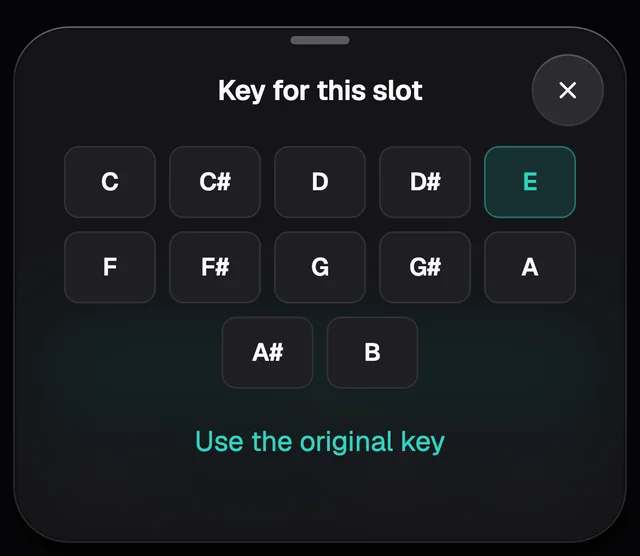
Tap a song's key in the list and pick another. The change only applies to this set: in the Library the song keeps its own key. A changed key shows filled in, like the E next to Holy, Holy, Holy in the picture above. To go back, tap Use the original key.
Playing the set
Play set opens the Stage on the first song; tapping a song in the list starts from that one. On the Stage, swipe sideways or use Prev and Next to move through the list. There's more in The Stage.
The Perform tab
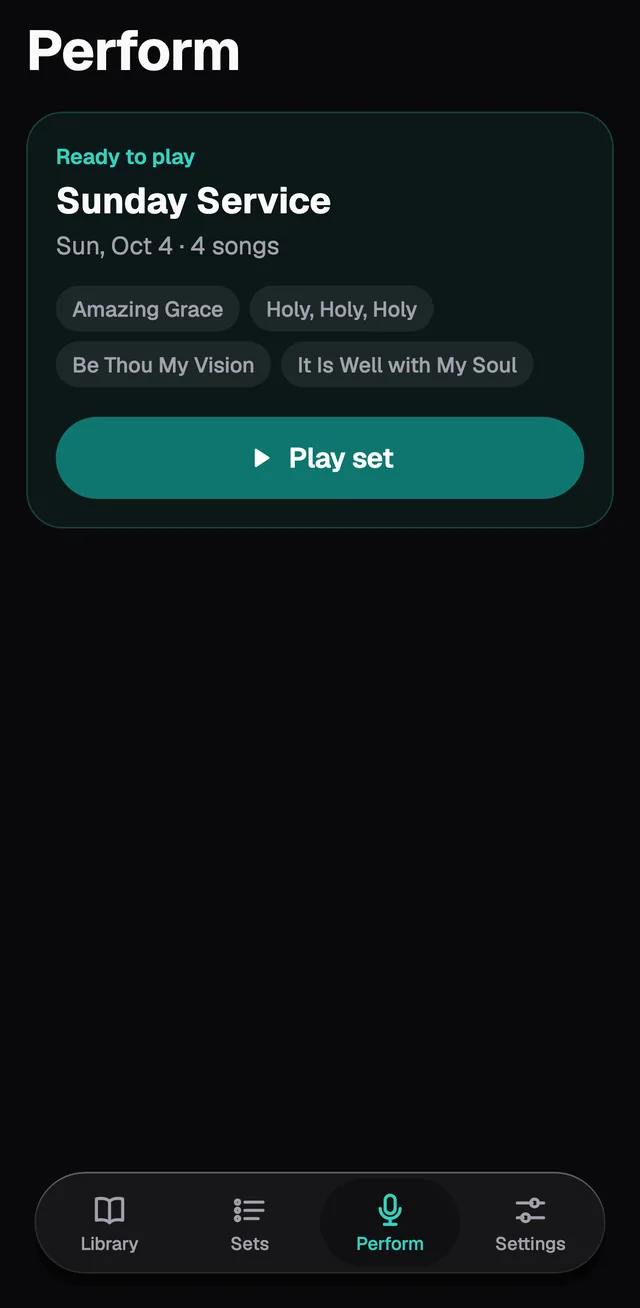
The Perform tab shows your next set, ready to start, and the songs you played last.
In the free app
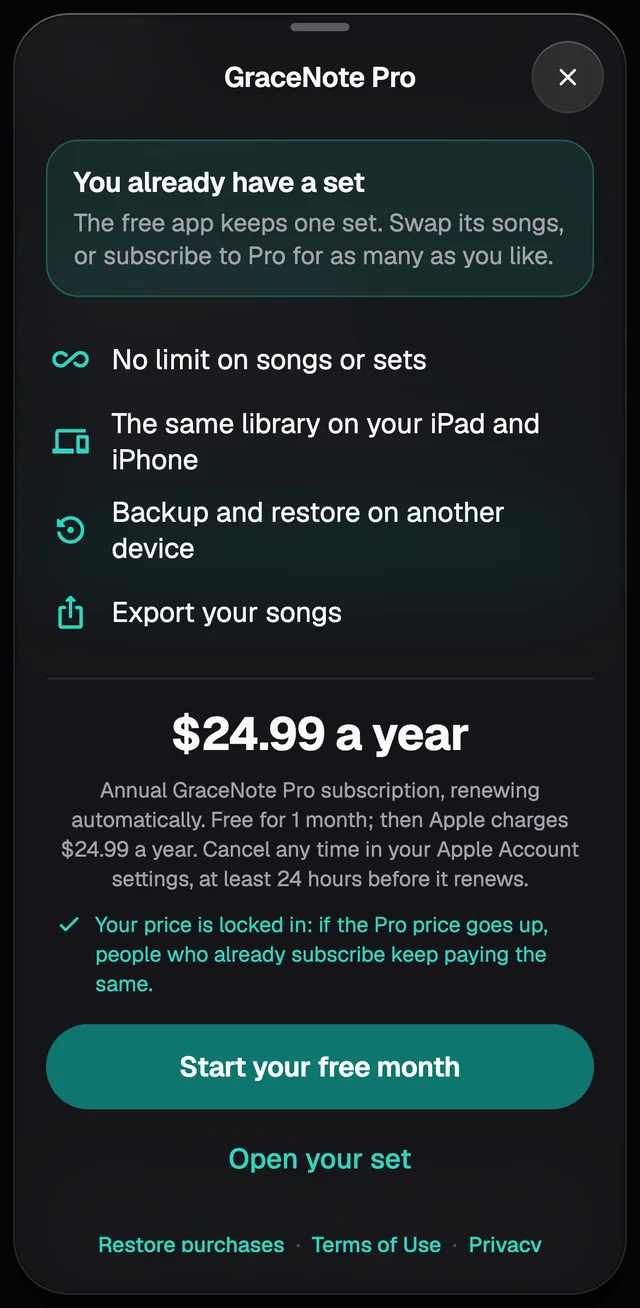
The free app keeps 1 set. To make another, swap the songs in the one you have, or subscribe to Pro.