Editing a song
In the Editor you write a chart the way you already read one: chords on one line, the lyrics right under them. The Stage shows that same chart in whatever style you pick.
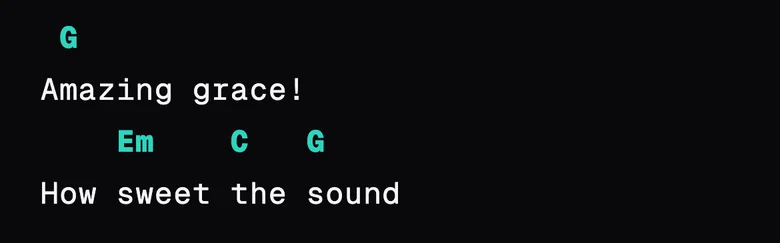
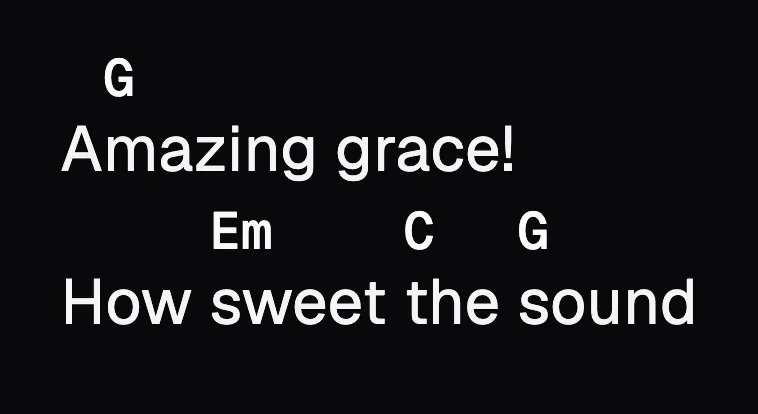
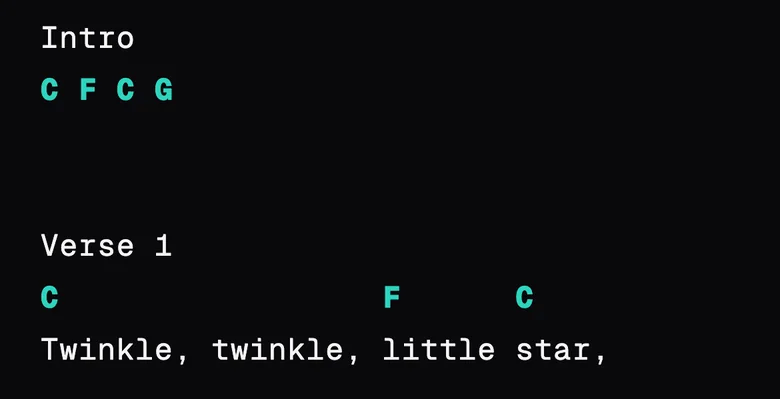
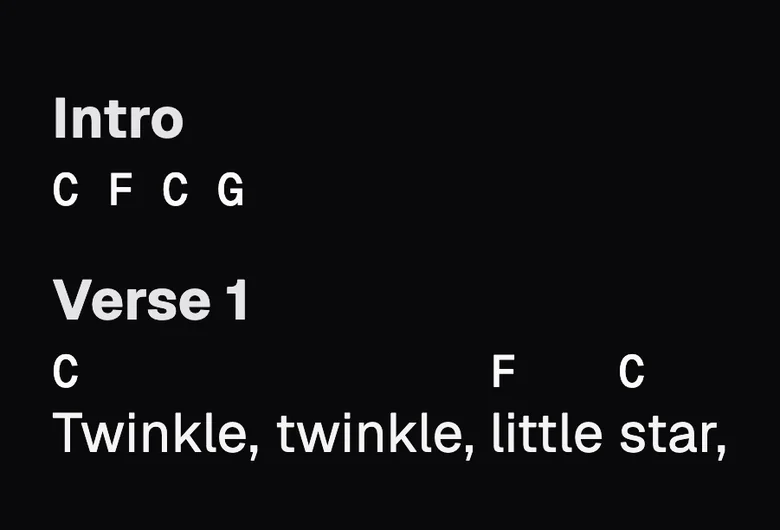
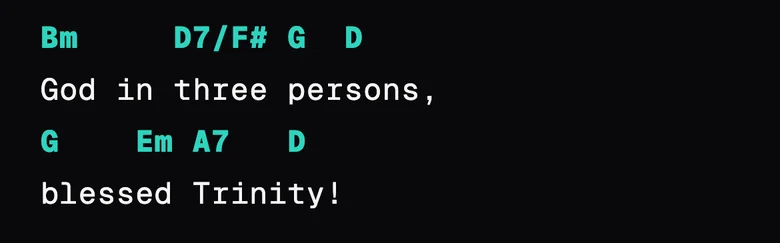
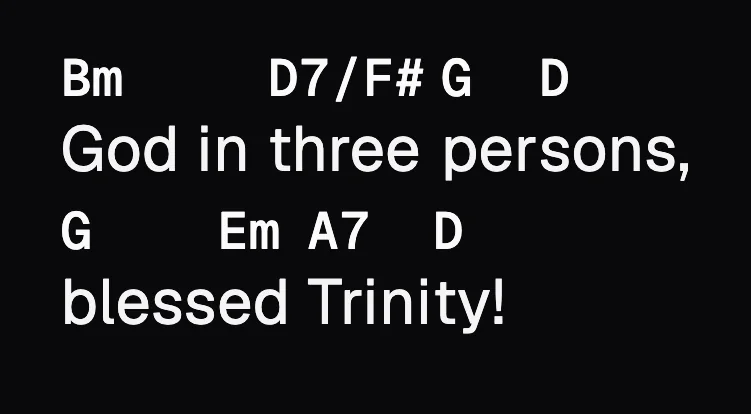
Every example in this chapter shows the chart twice, first in the Editor and then on the Stage.
Opening and closing the Editor
To change a song, open it and tap the pencil (✎) at the top of the Stage. To start a new one from scratch, tap + in the Library and choose New blank song.
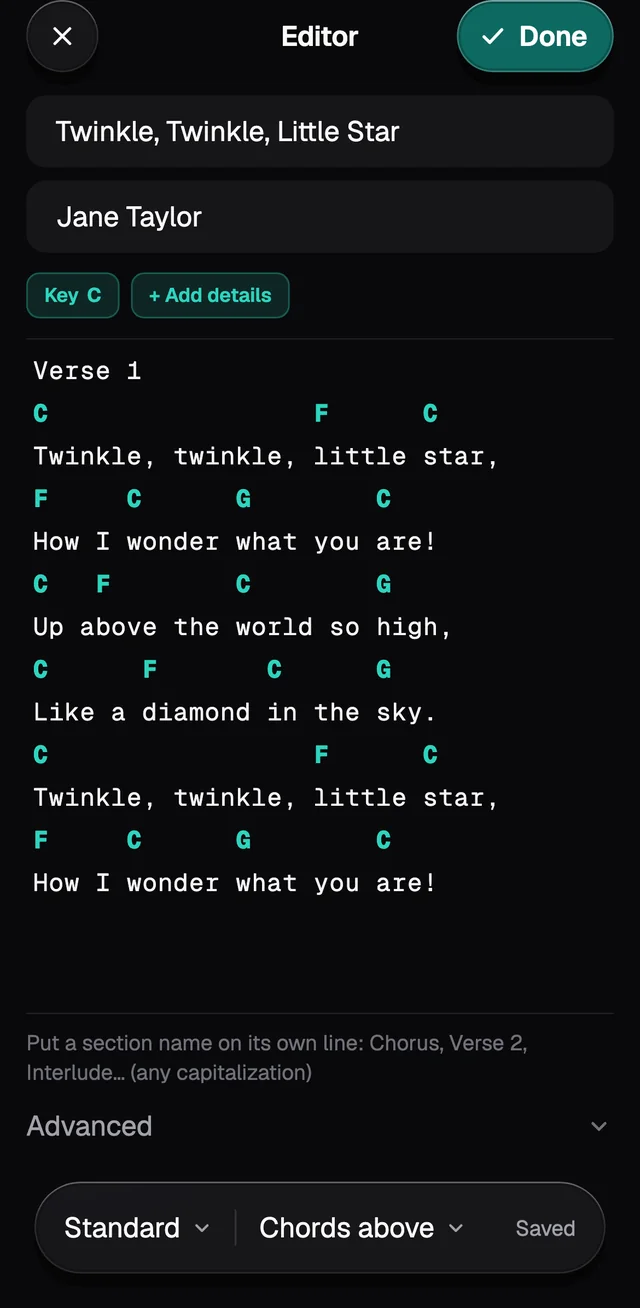
- Done saves and closes. The Stage already shows the new version.
- ✕ closes without saving, and it doesn't ask first. Use it to drop a change or just to have a look.
- The bar at the bottom says Edited while there are unsaved changes, and Saved after.
What's on the screen
From top to bottom:
- Title and Artist.
- The key button, for example Key C. When GraceNote worked the key out on its own, from the chords, it says detected next to it.
- + Add details, which shows Tempo, Time and Capo.
- The chart, where you write.
- Advanced, closed at first. Its tools are in Instructions, formatting and more.
- The floating bar at the bottom, with Standard ▾, Chords above ▾ and the Saved or Edited note.
Chords over the lyrics
Write the chord line and, right under it, the lyric line. A chord starts on the letter under its first character.
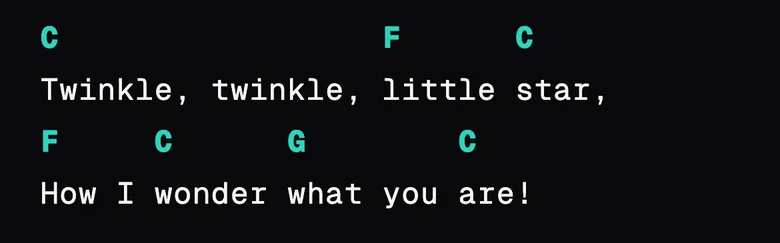
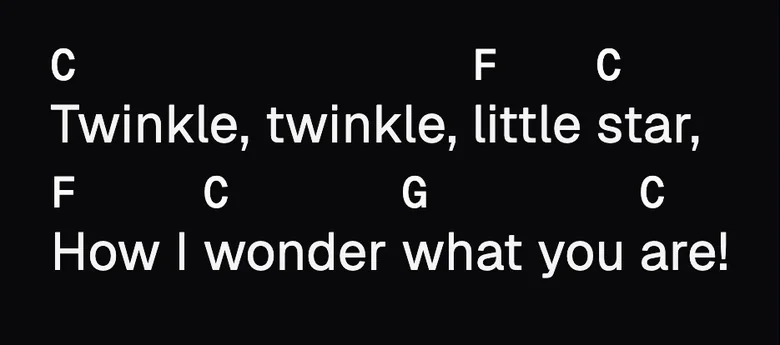
Don't leave a blank line between the chords and the lyrics. The blank line splits them, and the chords become a line of their own.
A chord in the middle of a word
Put the chord over the syllable where it comes in, even in the middle of a word. On the Stage the word stays whole, with the chord on the right syllable.
A line of chords only
Intros, turnarounds and endings can be a line of chords with no lyrics under it. On the Stage it becomes a row of chords.
Chord names
Write chords the way you already do: G/B, F#m7, Cmaj7, C7M, Dsus4, Bb, F7M(9), Bº, Dm7(b5), A7(13), C6/9. N.C. marks a bar with no chord and never changes when you transpose.
The full list of spellings is on Import from chord sites.
Splitting a song into parts
Write the name of the part on a line of its own. These names work as they are, in any case and with a number if you like: Verse, Chorus, Pre-Chorus, Bridge, Intro, Outro, Interlude, Instrumental, Solo, Riff, Tag, Coda, Ending, Refrain, Vamp and Tab. The Portuguese names work too (Refrão, Ponte, Estrofe).
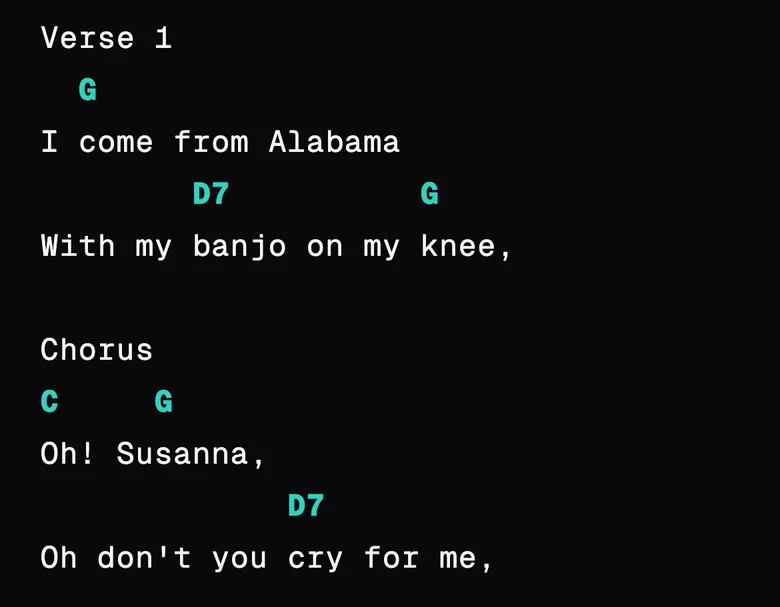
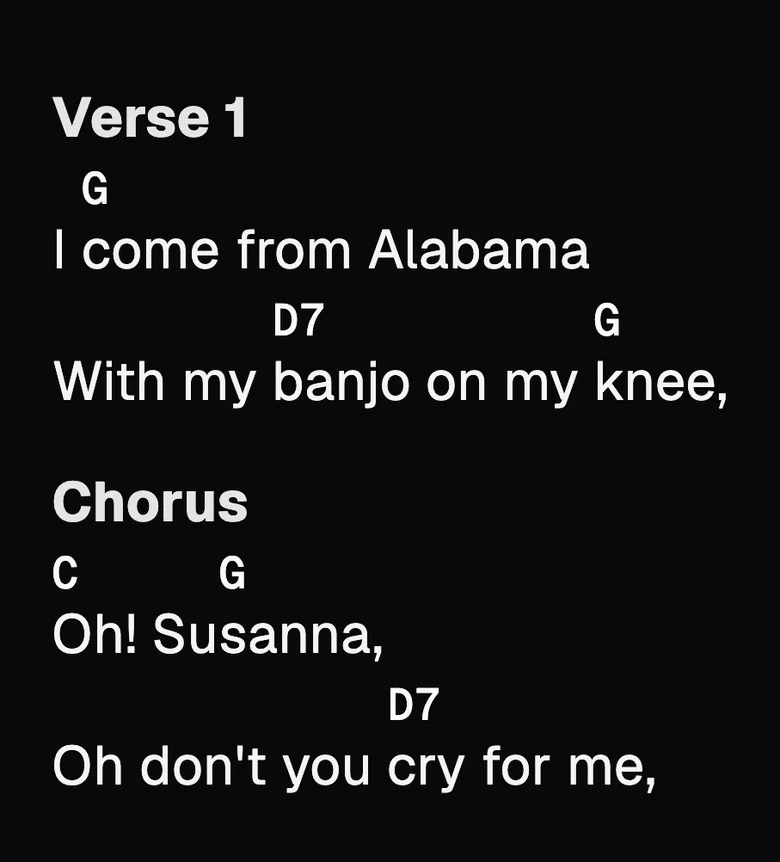
For any other name, end the line with a colon: Last time:. On the Stage the name shows without the colon.
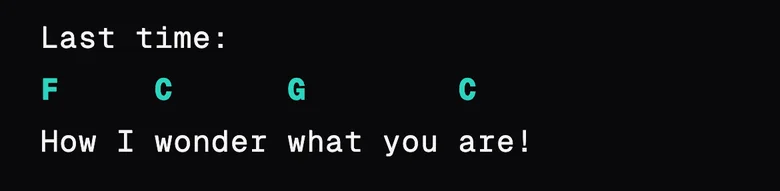
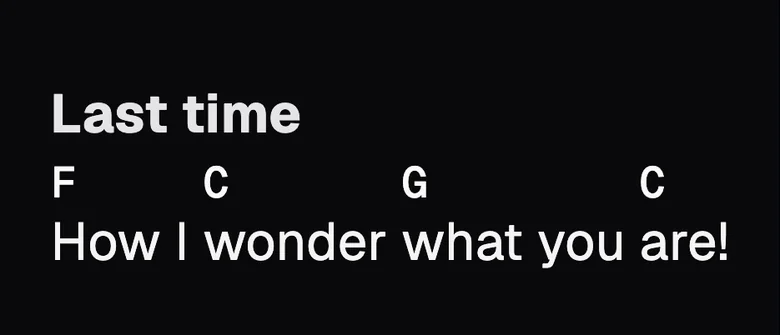
Two things that catch people out:
- A blank line inside a part goes away when you save. To keep verses apart, give each one a name: Verse 1, Verse 2.
- In the Editor, square brackets always mean a chord.
[Chorus]becomes a chord called "Chorus". If you pasted a chart from a site that uses brackets, use Advanced › Clean up pasted text (see the next chapter).
Three ways to see the same chart
The bar at the bottom of the screen changes how the chart is shown. The song is the same in all three, and you can switch as often as you like.
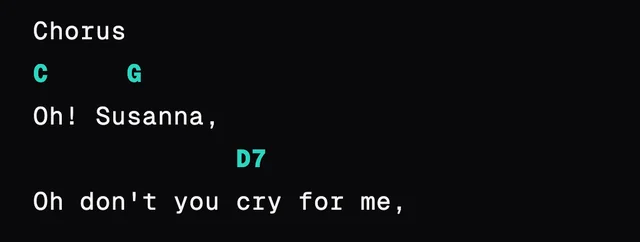
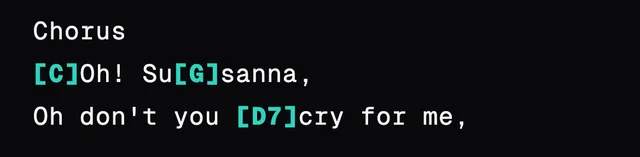
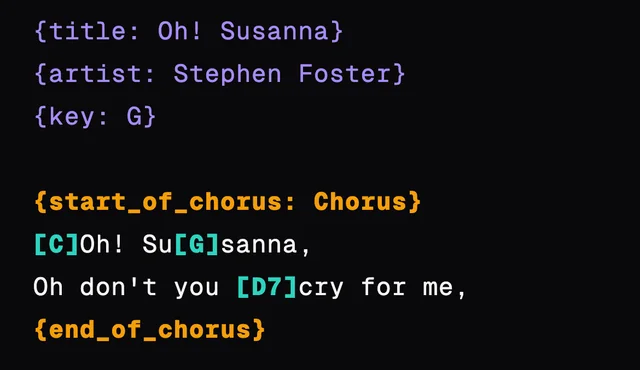
- Chords above is the usual way, and the Editor always opens there.
- Inline chords puts each chord in square brackets, right before its syllable:
[C]Twinkle. It helps to place a chord in the middle of a word. - ChordPro is the text format other chord apps read too. It shows the title, key and other details at the top, and each part between
{start_of_verse}and{end_of_verse}.
Key
Tap the key button to pick another key. Choose the note, and Major or Minor.
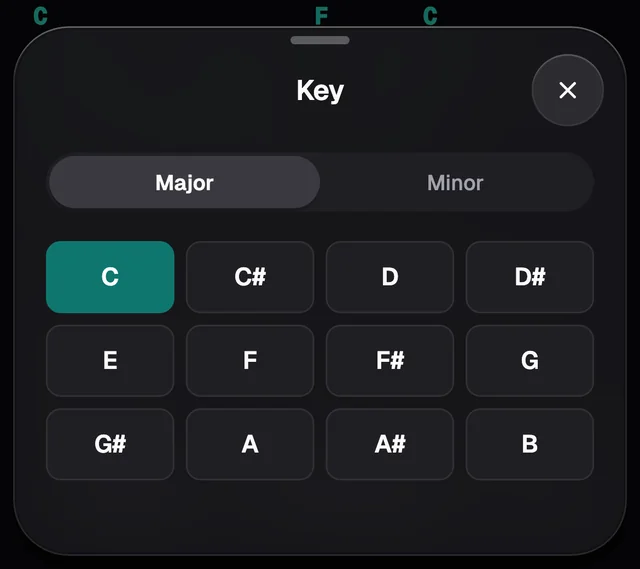
Picking another key transposes the whole chart: if the song is in C and you pick D, every chord goes up a tone. On the Stage you can also transpose without touching the written chart (see The Stage).
If GraceNote detected the wrong key and you only want to fix the name, without moving any chord, switch to ChordPro, change the note on the {key: C} line and switch back to Standard.
Capo, tempo and time
Tap + Add details to see all three.
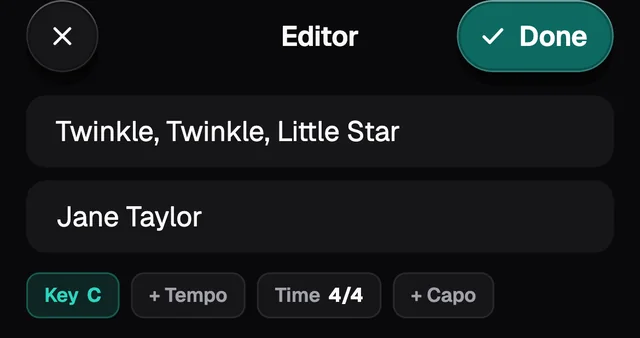
- Capo rewrites the chords so the song still sounds the same. A song in D with capo 2 shows C shapes, and the Stage still shows the key as D, with capo 2 next to it.
- Tempo is the speed in beats per minute. The Stage's metronome plays at that speed.
- Time has the usual signatures, from 2/4 to 12/8. The metronome stresses the first beat of each bar.
Chord bar and Chord Builder
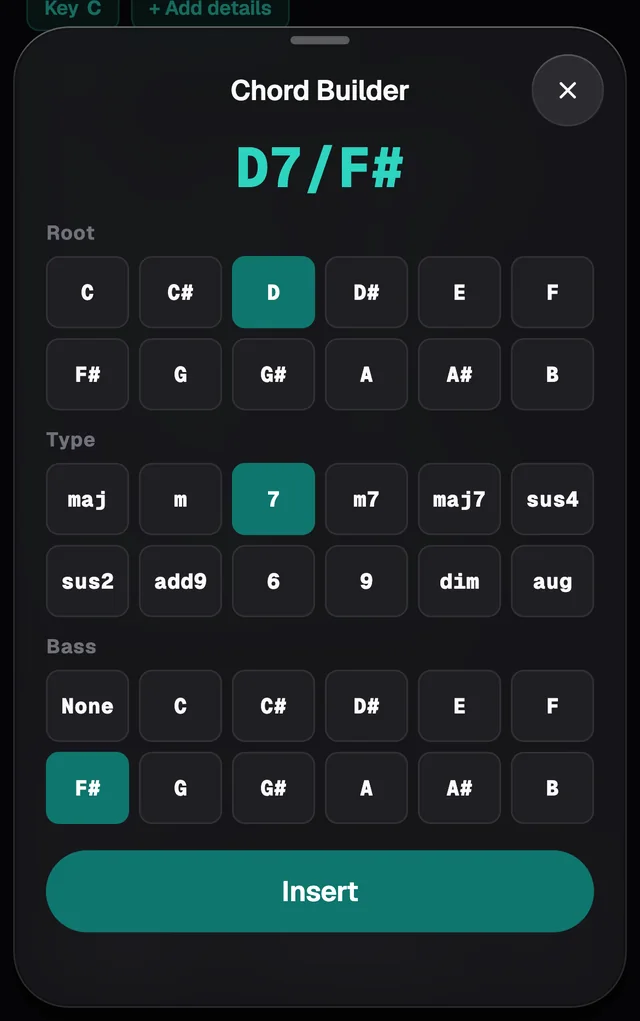
When you tap the chart to write, a bar shows up above the keyboard: + opens the Chord Builder, Aa opens Text format, and then come the chords the song already uses. Tap a chord and it goes in at the cursor.
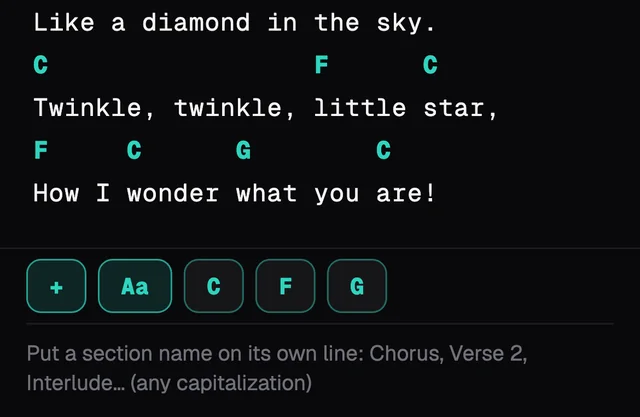
The Chord Builder helps with a chord you can't remember how to write. Pick the Root, the Type and the Bass, check the result at the top and tap Insert.